


By Dr. Dicken Weatherby, ND, founder of Optimal DX
A treatment plan is consistent when the same blood test leads to the same priorities every time it's read. That takes 4 things: reading each biomarker against both a standard range and an optimal range, grouping biomarkers into patterns, ranking those patterns by clinical priority, and building the plan from that ranking instead of from memory. The Optimal DX Functional Health Report does the first 3, and the Optimal DX Treatment Plan Builder turns the ranked Health Concerns into a supplement, diet, lifestyle and exercise plan that the practitioner reviews and approves.
Hand 2 practitioners the same blood panel and they can write 2 different plans. In my experience teaching Functional Blood Chemistry Analysis (FBCA), the differences usually come from 4 places.
Reading the standard range only. A standard reference interval is usually the central 95% of results from a reference population, and it's designed to flag disease.[1][2] A result can sit inside it and still be a long way from where a healthy body keeps it. One practitioner treats that result, and another doesn't see it.
Reading biomarkers one at a time. A single out-of-range marker has several possible explanations. Its related markers narrow the list. Practitioners who read the panel marker by marker reach different conclusions from those who read it in patterns.
No shared order of priority. A full panel can point to 6 or 8 areas that need support. Without a consistent way to rank them, each practitioner picks a different 2 or 3 to treat first.
Plans built from memory. When the protocol for each concern lives in a practitioner's head, it changes with the day, the patient and whoever is building the plan.
Clinical decision support was built for problems like these. In a systematic review of 100 controlled trials, computerized decision support improved practitioner performance in 64% of the studies that measured it.[3] A second review of 70 trials found 4 features that predicted success: support delivered automatically as part of the clinician's workflow, recommendations rather than assessments alone, support at the time and place the decision is made, and computer-based delivery. Of the 32 systems with all 4 features, 30 improved clinical practice.[4] Effects on patient outcomes are less consistent across the research, and fewer studies measure them.[3][5]
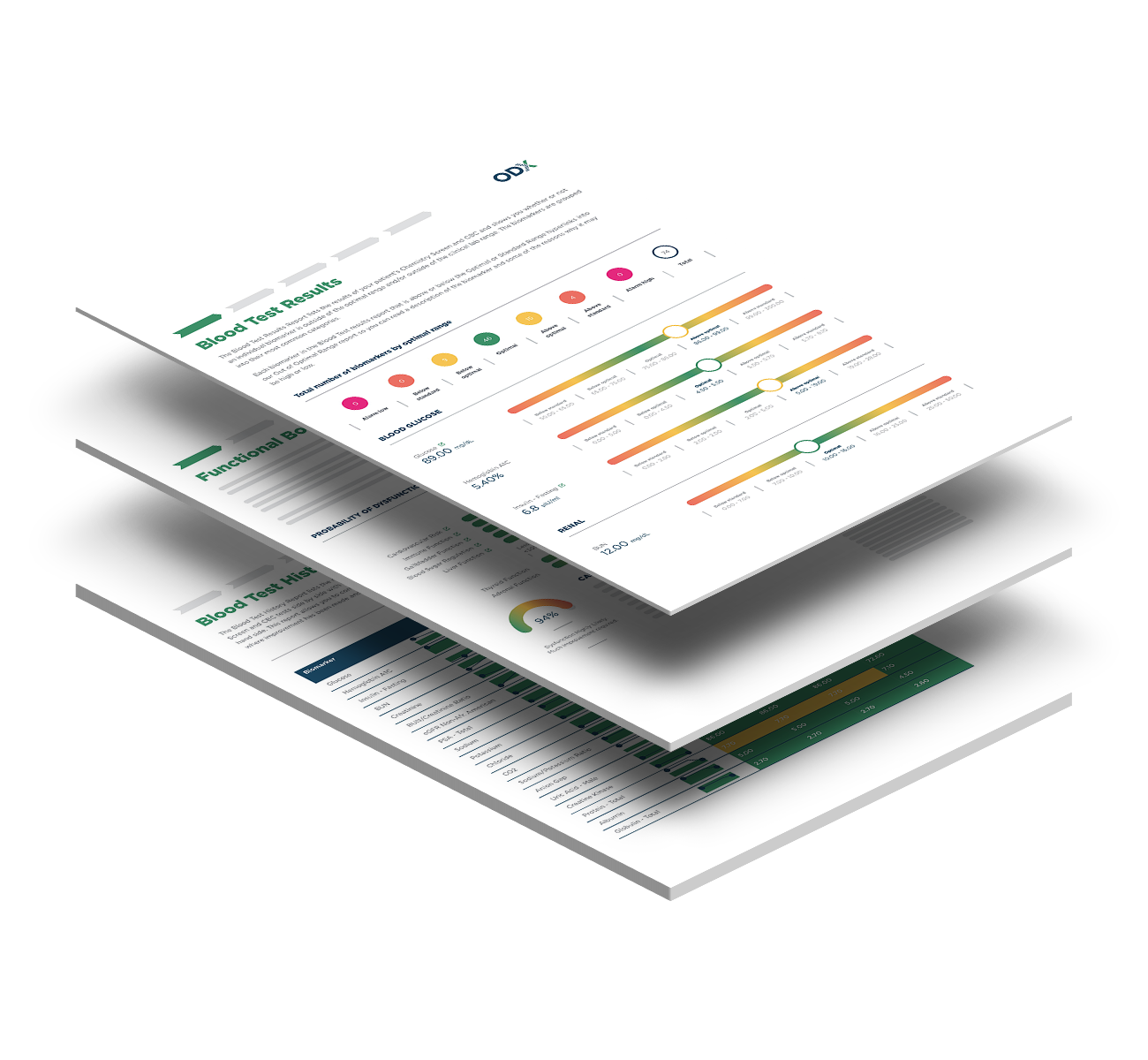
Optimal DX scores every biomarker against a standard range, drawn mainly from Quest Diagnostics with Labcorp ranges added where appropriate, and an Optimal DX optimal range. Both appear on the report.
Fasting glucose shows the difference. The Optimal DX optimal range is 75 to 86 mg/dL, inside a standard range of 65 to 99 mg/dL. A fasting glucose of 95 mg/dL passes the standard range and sits above optimal, so the Functional Health Report flags it and reads it alongside insulin, HbA1c, triglycerides, and other biomarkers of blood sugar regulation..
The research behind each Optimal DX optimal range is published in the online ODX Biomarker Guide, which covers more than 200 biomarkers. For the full reasoning, see Why Functional Medicine practices struggle with blood chemistry interpretation.
The Optimal DX Functional Health Report groups related biomarkers into Health Concerns and gives each one a likelihood percentage. Optimal DX shows that percentage as a Clinical Priority:
Optimal DX builds every treatment plan on Health Concerns. Each supplement and each diet, lifestyle or exercise recommendation in the plan is tied to the Health Concern it addresses. The practitioner gets the final say as to which Health Concerns to treat.
From a finished Functional Health Report, the "Build Treatment Plan" button opens the Optimal DX Treatment Plan Builder with the patient and blood test already filled in. The top 8 Health Concerns from the report are preselected. The practitioner can uncheck any of them, add any other concern from the report, or add a Health Concern the blood test didn't raise.
Next, the practitioner chooses where products come from. Optimal DX offers 3 kinds of product source:
Auto-populate then fills the plan from protocol templates. A protocol template is a saved set of product-to-Health-Concern pairings, built once and reused on every plan after that. For each Health Concern, the template sets a primary product that is automatically added to the treatment plan, a shortlist of alternates and edits for dosage are one click away. Templates can be built from the Default Product Library, Fullscript, Designs for Health or My Products. Optimal DX also ships pre-built templates, including ones built on the full Fullscript catalog: Designs for Health, Pure Encapsulations, Thorne and Xymogen, which can be cloned and edited.
In my own use, auto-populate gets a practitioner about 90% of the way to a finished plan. Swapping a product, changing a dose or removing an item takes a click or two.
Protocol templates are what make plans consistent. When every practitioner in a clinic builds from the same templates, the same Health Concerns produce the same starting plan.
The Recommend Actions step in the Optimal DX Treatment Plan Builder adds diet and nutrition, lifestyle, and movement and exercise recommendations. Practitioners can write their own or generate them with AI drawn from the Optimal DX Functional Medicine knowledge base.
Before generating, the practitioner enters patient considerations: a dietary pattern such as vegetarian or low carb, food restrictions such as gluten-free or dairy-free, and any clinical context, such as shift work. Optimal DX then writes at least 1 recommendation for every selected Health Concern and more for higher-priority concerns. Where it can, it writes a single recommendation that covers several Health Concerns. Each recommendation states its reason and the concern it addresses.
Practitioners who prefer diet and lifestyle to supplements can skip product selection and go straight to Recommend Actions.
Every Optimal DX treatment plan stays a draft until the practitioner approves it. The Review and Complete step shows every product and recommendation together, and everything can still be edited. Nothing reaches the patient until the practitioner sets the plan as complete. On the Fullscript path, the plan then goes to Fullscript, where activating it emails the patient so they can order.
Optimal DX prepares the plan. The practitioner decides what goes in it.
Patients forget much of what they hear in a consultation, and written information helps them remember it.[6] The Optimal DX Health Improvement Plan (HIP) puts the treatment plan in writing. It includes the practitioner's notes, the supplement plan, the diet, lifestyle and exercise recommendations, and a 1-page product summary listing each product and its dosing, made to be printed and kept with the patient's supplements. Each item shows the Health Concern it was chosen for, so the patient can see why it's there.
At the next blood test, the Blood Test Comparative and Blood Test History sections of the Functional Health Report show how each biomarker has changed across up to 6 previous tests. You can see whether the plan moved the markers it targeted, and adjust from there.
The Optimal DX Treatment Plan Builder comes with every Functional Health Report. An Optimal DX account is free, with no card at signup, and every new account includes 2 sample patients with completed reports.
View a sample Functional Health Report · See the Treatment Plan Builder
Optimal DX does it in 6 steps. Read each biomarker against standard and optimal ranges, group biomarkers into Health Concerns, rank them by Clinical Priority, match products to each concern with protocol templates, add diet, lifestyle and exercise recommendations, and approve the plan before it goes to the patient as a Health Improvement Plan.
Optimal DX sees 4 common causes: reading the standard range only, reading biomarkers one at a time, no shared order of priority, and plans built from memory. Optimal ranges, pattern-based Health Concerns, Clinical Priority and shared protocol templates address each one.
A standard reference range is usually the central 95% of results from a reference population and is designed to detect disease. An Optimal DX optimal range is a narrower band that shows where a healthy body keeps a biomarker. For fasting glucose, the Optimal DX optimal range is 75 to 86 mg/dL, against a standard range of 65 to 99 mg/dL.
Optimal DX builds every treatment plan from the Health Concerns in the patient's Functional Health Report. Each supplement and each diet, lifestyle or exercise recommendation is tied to the Health Concern it addresses, and the Health Improvement Plan shows the patient that link.
Optimal DX's Default Product Library includes Metagenics, Premier Research Labs, Designs for Health, Xymogen, Apex Energetics, Biotics Research, Moss Nutrition and Ortho Molecular. Fullscript (US and Canada) and Designs for Health are connected as virtual dispensaries that fulfill orders. Practitioners can also import their own products.
Yes. The Optimal DX Recommend Actions step generates diet and nutrition, lifestyle, and movement and exercise recommendations for each selected Health Concern, adjusted for the patient's dietary pattern, food restrictions and clinical context. The practitioner edits and approves every recommendation.
No. Optimal DX prepares the treatment plan, and the practitioner decides what goes in it. Every plan stays a draft until the practitioner approves it.


