
See whether your question has been asked before. If you don’t find it amongst our frequently asked questions, don’t hesitate to contact us directly.
Browse the questions we hear the most about the Optimal DX Software
What kind of support can I expect?
Email us at support@optimaldx.com, submit a support ticket, or call the office at 541-482-3779, and someone will get back to you. You can also search the Knowledge Base, and every screen in the platform has built-in inline video training.
Premium and Blood Chemistry (Unlimited) accounts also get Ask Me Anything inside the application. You can search over 200 answered clinical questions and submit your own case questions. Dr. Weatherby and his research team answer them, and you get an email when yours is answered.
What can I do to protect my privacy?
A few habits go a long way:
Why is the Optimal DX Software better and more affordable than a downloadable software?
The Optimal DX Software is a SaaS (Software-as-a-Service) solution, with no software to download and learn. You can start using the Optimal DX Software as soon as you sign up, as there is practically zero learning curve. Unlike traditional downloadable software, the Optimal DX Software is fully hosted:
If I have questions, how can I contact the Optimal DX team?
Does the software run on both Macs and PCs?
How do I install the software? How do I install updates?
Who can use the software?
Optimal DX is for Health Professionals: licensed or certified practitioners using the platform to support the care of their own patients. When you create an account, you agree to our terms of use, which require that you're a licensed practitioner in each jurisdiction where you practice. We don't require documentation up front, but you're representing that this is true when you agree to the terms.
Is the Optimal DX Software HIPAA compliant?
Optimal DX, LLC, acts as a trusted confidential application service provider dedicated to providing a secure Internet and mobile service.
Optimal DX, LLC employs a high degree of security consciousness. The environment at Optimal DX, LLC currently encompasses the highest level of security as well as the Health Insurance Portability and Accountability Act of 1996 (HIPAA) security tenets that of the proposed regulations. The overall priorities of Optimal DX, LLC as an organization, is to ensure security and be fully compliant with all HIPAA regulations, proposed and finalized. Access, integrity, availability, ownership, authorization, dependability, authentication, and confidentiality are all major considerations within the Optimal DX, LLC Security Policy.
For more information on our policies, please see:
How secure is the software?
The software utilizes the latest SSL browser encryption, and the database encryption of all personally identifiable data is 100% HIPAA compliant. We take your patients’ security very seriously, which is why we have invested heavily in the latest security features.
Learn More About SecurityCan I import lab results instead of typing them in?
Yes, in 2 ways.
The PDF parser reads results straight off a lab PDF from LabCorp, Quest, LifeLabs, and a growing list of over 100 labs worldwide. It's included with Premium and with Blood Chemistry (Unlimited).
Direct lab integrations pull results into your account automatically once the lab completes the test. We currently integrate with Evexia Diagnostics, Empire City Lab, LabTech, Access Medical Labs, and Ulta Lab Tests, and we're adding more. Integrations are included with Blood Chemistry (Unlimited).
Manual entry is free on every account, with no limit on how many blood tests you enter.
Can the software create reports from any lab tests or does it need an exact set?
The software creates reports based on the results you receive and enter into the platform from the particular blood testing lab you use, such as Labcorp or Quest. There are no preset panels you need to run in order to enter data into the software. The software accepts results for over 190 individual biomarkers, and calculates 8 or more Functional Medicine ratios for you. The more results you enter, the better the software does at creating probability-based results.
View the full list of biomarkers built into the software (PDF)
What do you mean by "enter unlimited blood tests"?
Practices run a lot of blood tests, and most have years of historical results sitting in patient files. So entering blood test data into ODX is free on every account, with no cap.
A "blood test" means one set of results back from the lab, not the individual biomarkers. Enter the data, press save, and that's 1 blood test in the system. You're only charged when you generate a report.
Does your software provide recommendations for nutritional supplements?
Yes. What’s more, we are independent from supplement companies, so we can provide protocols and recommendations from multiple companies. At this time we have protocols from:
We have 2 supplement driven reports: 1) a Health Improvement Plan that lists all the products recommended for the top eight clinical dysfunctions, deficiencies and conditions and provides the name, dosage and product description; and 2) a shorter Product Summary Report that lists the individual products in a table format that the patient can easily post on their fridge.
Can I re-order Biomarkers in the lab templates in the software to match the order I get on my lab results?
Absolutely. We have set it up so that you can not only reorder lab templates to match the biomarker order on the original lab but also so you can create unique and specific new templates to match popular panels you might run.
Can you add amino acid, fatty acid, salivary hormone, or urine dipstick tests?
We're always adding to our list of over 190 individual biomarkers, and we're open to suggestions on what to add next.
Lipoproteins and advanced lipid fractionation are both in the system now. At this time we're keeping the software focused on standard chemistry, CBC/hematology, and the additional markers we've built in, so we don't have plans to add urinalysis, salivary hormone, or amino acid testing.
If there's a biomarker you'd like to see, email support@optimaldx.com and we can send you the document we use to gather that data.
Can you use this program on an iPad?
Yes. You can access the software through the browser on your iPad, but at present there is no custom app for Apple or Android devices.
Can the software show comparisons over time?
Yes. Change over time is where blood chemistry gets useful, so every Functional Health Report can display up to 6 previous results alongside the current one. You choose which prior test the current one is compared against.
The Functional Blood Test Comparative report puts the latest test and the previous test side by side so you can see what moved. Practitioners tell us this makes it much easier to get patients to repeat testing, because they want to see how their numbers changed.
You're not charged for the previous results that appear in a historical or comparative report. Credits are used once, when you generate the report.
Is there a list of the tests that can be interpreted by the software?
Can I enter patient history or prior exam notes?
Not at this point. We are working on our next software project: “Functional Signs and Symptoms Analysis.” This project will give you the opportunity to provide your patients a comprehensive Health Appraisal Questionnaire and have the results analyzed and a complete report generated. We are working on ways to have this as either a stand-alone product or integrated with your Optimal DX Software account. With the integration, you’ll be able to see the results of the questionnaire side by side with the blood test results.
Can I use the software with non-US units and reference ranges?
Absolutely. There is no need to convert Standard International units into US units to use this software! This is the only software that we are aware of that is 100% usable by practitioners from all over the world. US practitioners use the software in US unit mode while practitioners from Canada, New Zealand, Australia, etc. can input data in Standard International units. Functional Health Reports can be run in either US or Standard International Units. The software does the conversion for you.
Do you provide training?
Yes. Every screen in the platform has built-in inline video training, and our Video Support page walks you through the full workflow: adding patients and blood tests, importing lab PDFs, generating a Functional Health Report, building a treatment plan, branding your account, and more.
Learn more on our Video Support page
How do I add new biomarkers that aren’t in your system?
The software comes with a set list of biomarkers, the most common ones from a blood chemistry and CBC panel, including lipoproteins. If you're testing something outside that list, the Practitioner's Notes section lets you write in results for tests not currently built into the software, and you can choose whether to include those notes in the printed report.
We add new biomarkers regularly. When we do, you'll need to add them to your own lab profiles before you can start entering data against them.
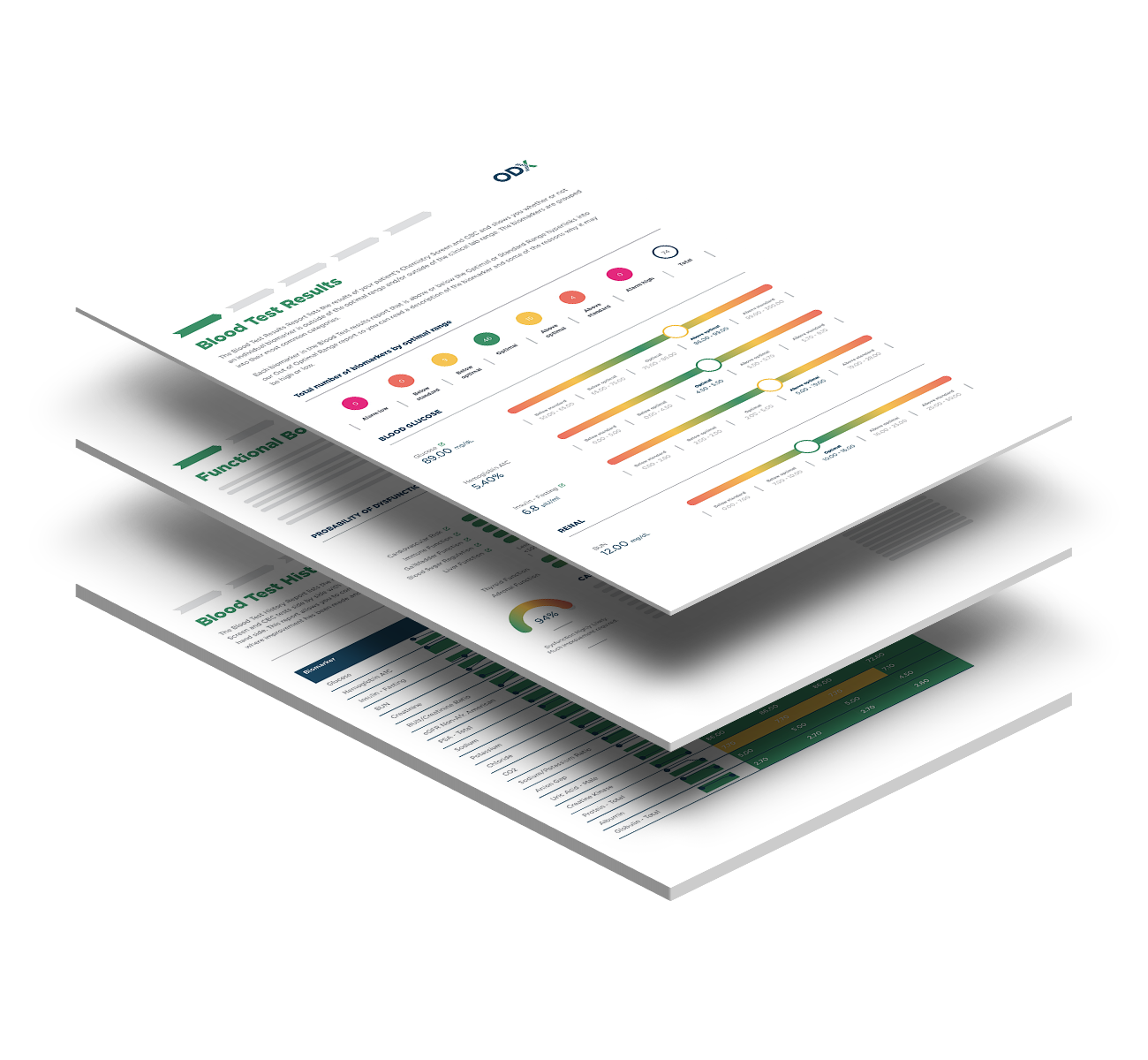
What does the Functional Health Report look like?
You can see the full report, section by section, on our Functional Health Report sample page.
Learn More About Streamlined ReportsWhat does the ODX Membership give me? Is it Pay-As-You-Go?
More than you might expect, and there's no card required to open one.
You can add unlimited patients and enter as many blood tests as you like, including years of historical results for each patient. Entering blood test data is free and always will be.
You also get the Treatment Plan Builder, AI-generated recommended actions for diet, lifestyle, and exercise, product partner integrations, lab templates, tags, custom report branding, a listing in the practitioner directory, and full access to the Resource Center: articles, downloads, events, and the podcast.
When you want to run a report, you buy credits. A Functional Health Report costs 10 credits, and credits are $5 each, so a report is $50. Buying in volume brings that down to $40. Credits never expire, and the Health Improvement Plan costs no credits at all.
Premium adds the Reference Guides, Ask Me Anything, PDF import, My Products, My Protocols, report note templates, enhanced branding, and the ability to add practitioners and staff to your account.
Blood Chemistry (Unlimited) is $197 a month for unlimited reports, plus lab integrations that pull results in automatically. If you run 5 or more reports a month, it costs less than buying credits.
When do I pay?
There are 2 points where you pay, and neither happens automatically.
The first is when you buy report credits. A Functional Health Report uses 10 credits, and you choose how many credits to buy and when. The second is if you subscribe to Blood Chemistry (Unlimited) or Premium, which are monthly.
Everything else is free. Creating an account, adding patients, entering blood test results, and using the Resource Center cost nothing, and we don't ask for a card when you sign up. You'll always see the price before any charge is made.
Am I paying for the laboratory test?
No. Optimal DX charges for interpretation and reporting, not for lab work. You order blood tests through your own lab and they bill you or your patient directly, exactly as they do now.
What you pay us for is turning those results into a report. Entering blood test data into ODX is free, and credits are only used when you generate a report.
Can I try a report before paying?
Yes. Every account comes with 2 sample patients who already have blood test results and finished reports attached, so you can look through a complete Functional Health Report before spending anything.
That includes the parts you can't see from a screenshot: how the biomarkers are grouped, how the functional ranges are presented, and how the report reads as something you'd hand to a patient.
Do report credits expire?
No. Credits stay in your account until you use them, with no time limit and no expiry date.
That matters if you buy in volume. Credits get cheaper the more you buy at once, and because they don't expire, buying ahead costs you nothing but the money you were going to spend anyway. It also means credits you hold now will work for report types we release later.
What is the ODX Premium Membership and how do I upgrade??
Premium is $40 a month per practitioner, and it opens up two different things depending on how you practice.
If you work alone, Premium gives you the following clinical and customization tools:
If you work with other people, Premium also lets you build a team inside one account. As the administrator, you can add practitioners and staff, whether they're in your clinic, spread across several locations, or working with patients virtually. Practitioners are assigned to the patients they add and appear on those reports. Staff can enter blood test data and run reports without appearing on them.
Everyone on the account shares one credit balance, so you can run reports from a single pool rather than managing them practitioner by practitioner. You can also add Blood Chemistry (Unlimited) for unlimited reports, with a 20% discount on each practitioner you add it for.
To upgrade, visit your Billing Page and click the "Upgrade to Premium" link to get started!
Can I add practitioners or staff to my account?
Yes, with a Premium account. Premium is $40 a month per practitioner and lets you build a team inside a single account, whether everyone works in one clinic, across several locations, or with patients virtually.
As the administrator you can add 2 types of member. Practitioners add patients, enter blood tests, and run reports. They're assigned to the patients they add, and their name appears on those reports. Staff can enter blood test data and run reports on behalf of your practitioners without appearing on the report itself.
Everyone works from the same patient records, so your team isn't managing separate logins and duplicate patient files.
You can add and manage members from Members & Workspaces once you've upgraded.
Is there a contract for a specified period of time?
No, there's no contract.
An Optimal DX account is free. You can add patients, enter as many blood tests as you like, and explore the platform without paying anything or entering a card. There's nothing to cancel because there's nothing to pay.
When you're ready to run a report, you buy credits. Credits never expire, so anything you buy stays in your account until you use it.
If you go on to add Premium or Blood Chemistry (Unlimited), both are month to month with no minimum term and no cancellation fee. You can cancel either from your Billing page at any time.
How can I cancel my account?
There is nothing to cancel. A free Optimal DX account has no subscription and no recurring charge. Your account stays open, and your patients, blood test entries, and any reports you have generated stay available whether or not you ever buy another report.
If you want to permanently delete your account and all patient data, contact support@optimaldx.com. This is permanent and cannot be undone. We suggest keeping your account open indefinitely so you can come back at a later date and run reports as needed on the patient data we securely maintain in the Optimal DX Platform.
If I cancel my account can I reactivate it at a later date?
There's usually no reason to close it. An ODX account is free, and there's nothing to cancel, so you can leave it open and come back whenever you want. Your patients, blood tests, reports, and any unused credits stay exactly where they are.
If you do close your account, it can't be reopened. We permanently delete all patient data when an account closes, which is a HIPAA requirement, and it can't be recovered. You'd be starting a new account from scratch.
If you're paying for Premium or Blood Chemistry (Unlimited) and want to stop, cancel that subscription from your Billing page rather than closing the account. You keep your data, your credits, and your account.
See what questions we hear the most about our FBCA Mastery Training Program.
Do you offer any kind of functional blood chemistry training program?

Once I sign up, when does the training start?

How is the training delivered?
Are the training sessions held at a specific time and day each week? What’s the schedule?
How long do I have access to the training material?
I won’t be able to make many of the training sessions. Can I get access to them later?
The training sessions are not live! Each session has been recorded and the training material is made available to enrollees in our online training center: The ODX Academy. The training includes streaming video of the presentations and audio downloads of all sessions in MP3 format. This way, you have 24/7 access to this archive from any computer anywhere in the world through your ODX Academy account.
What will I receive if I sign up for the Certification track?
If you successfully complete our Certification Track, you will become a Certified Functional Blood Chemistry Analyst. We will present you with a formal certificate authorized by Dr. Weatherby and the ODX Academy. In order to receive this certification, you must take all the courses, pass all the session quizzes, pass the final exam, and submit a full case presentation. We will review your case study and get you some feedback. We will then email you a copy of your certificate. Additionally, you’ll gain three free months of access to the Optimal DX Software platform at the Professional level, and up to 35 hours of Continuing Education credits!
Can I earn Continuing Education credits?
For those of you on the Certification Track, you can get CEUs for taking the training. The FBCA Mastery Training Program has received approval for 35 Category 1 hours of Continuing Medical Education from the Oregon Board of Naturopathic Examiners, which is considered a source of CEUs for NDs throughout the USA, and this course has also been approved by the California Acupuncture Board, Provider Number 1546, for 35 Category 1 hours of continuing education for LAcs.
Does this training include treatment protocols?
No, the training does not include treatment protocols. Dr. Weatherby may mention favorite supplements and/or treatments along the way, but this training is focused on assessment and diagnosis. We believe you will get a more thorough grounding in treatment from other experts.
What's "Ask Me Anything"?
For those of you on the Certification Track, you get 3 months of free access to the ODX software. This gives you access to "Ask Me Anything". This is a feature built into the ODX software application. It's a way to get answers to your training questions. Simply log in to the ODX Software and ask your questions! Dr. Weatherby and his research team will dive into the questions and answer them in the ODX Knowledgebase. You will get an email notifying you that your question has been answered.